How It Works | Events
Tell the platform what happened
in the business, not just in the data.
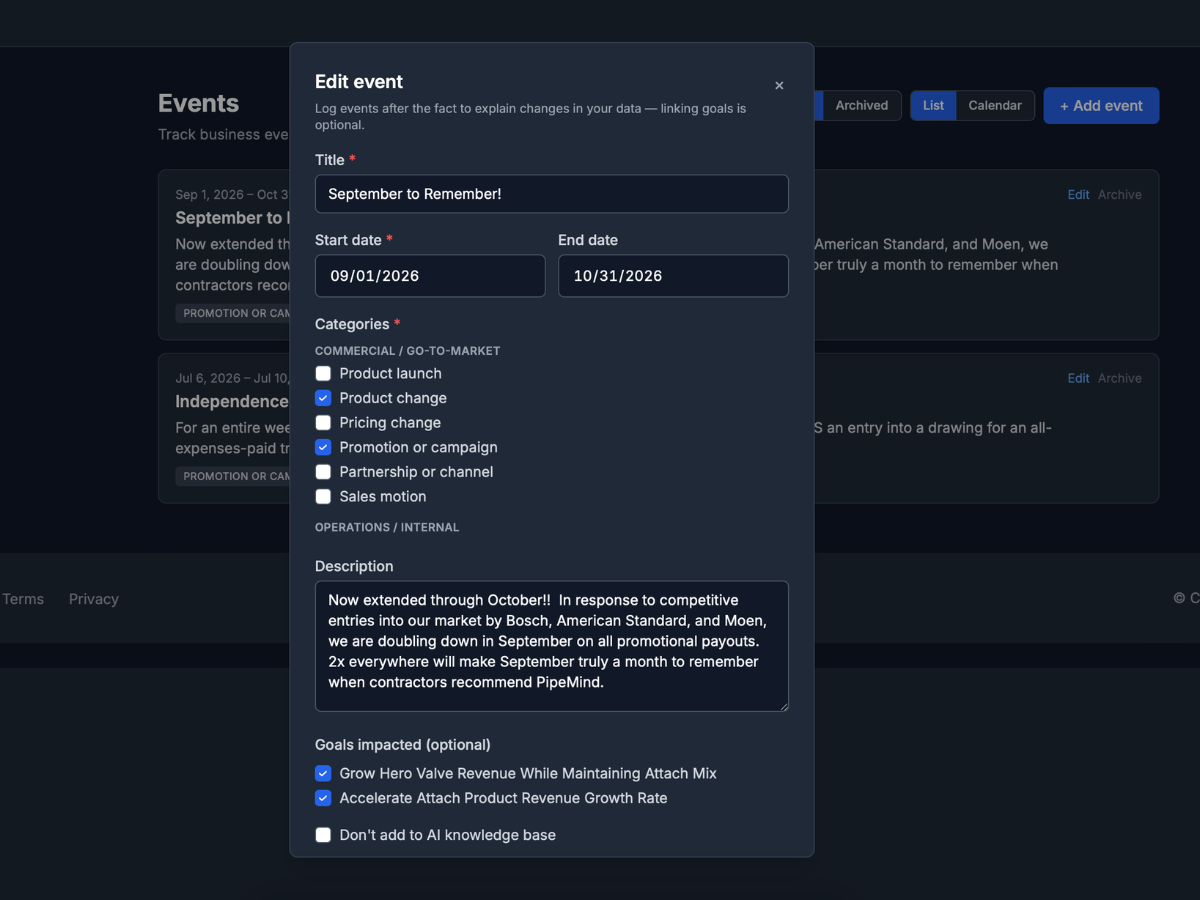
A spike in sales might be a campaign, a competitor move, or a program rule change. Events let your team record what the dataset cannot explain, linked to goals and date ranges, so AI outputs reflect reality.
Features
User-generated context
Record what happened.
Create events with category, description, and date range. Link to the goals they affect.
Feeds the briefing
Context in the weekly summary.
Events surface in your weekly goal briefing so progress is interpreted alongside what your team knows happened.
Grounds recommendations
Better next moves.
When Chainworthy generates recommendations, business events help explain why and sharpen what to do next.
Complements Findings
Numbers plus narrative.
Data-driven Findings show what changed in the numbers. Events explain what changed in the business.
Simple to maintain
No IT ticket.
Operators add events as they happen. No IT ticket required.
How events fit the loop
Events are how practitioners teach the platform context analysts used to carry in their heads.
See events on the Goal Canvas
Request a demo to see how business events improve briefings and recommendations.